
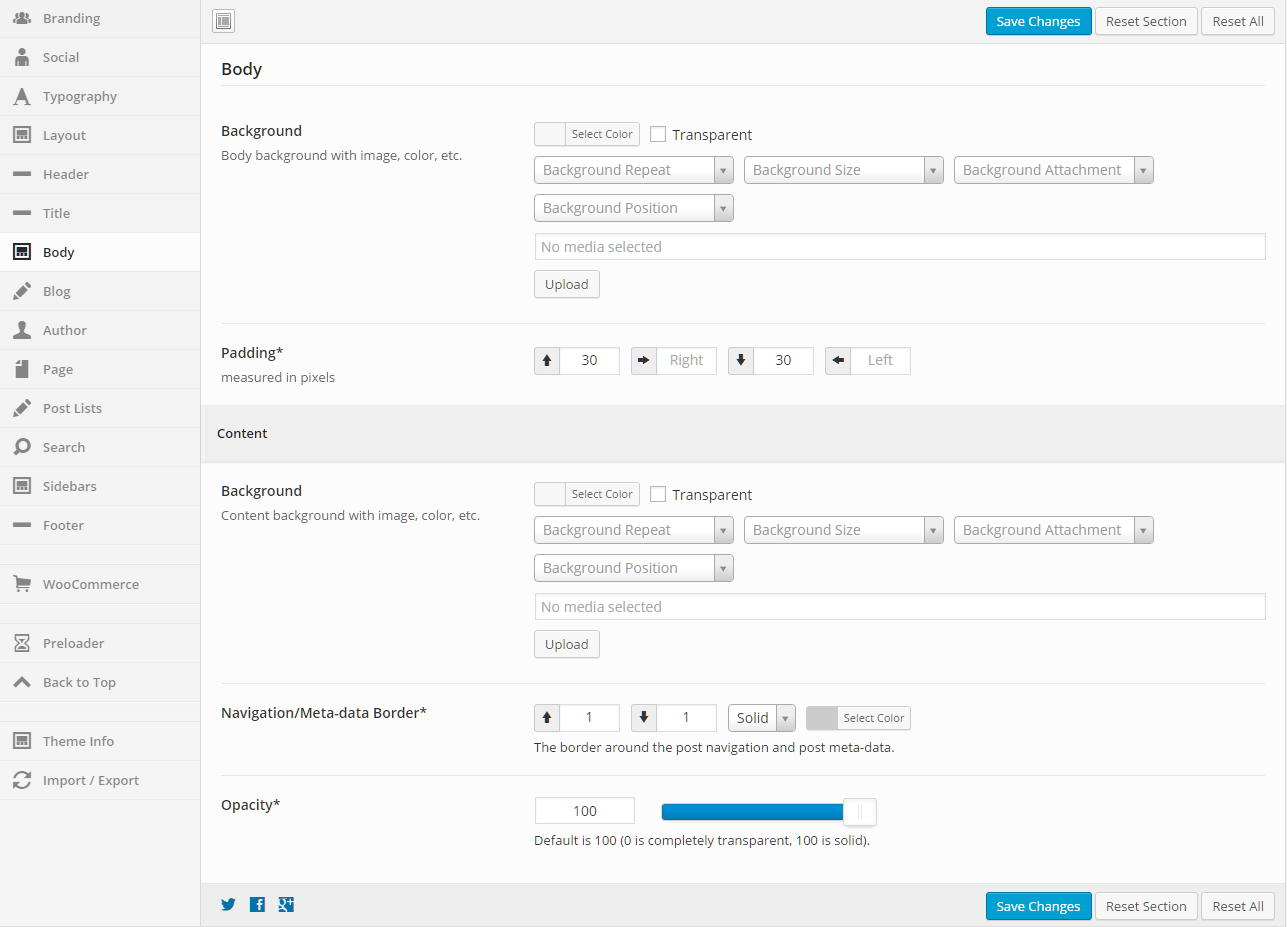
General
Content
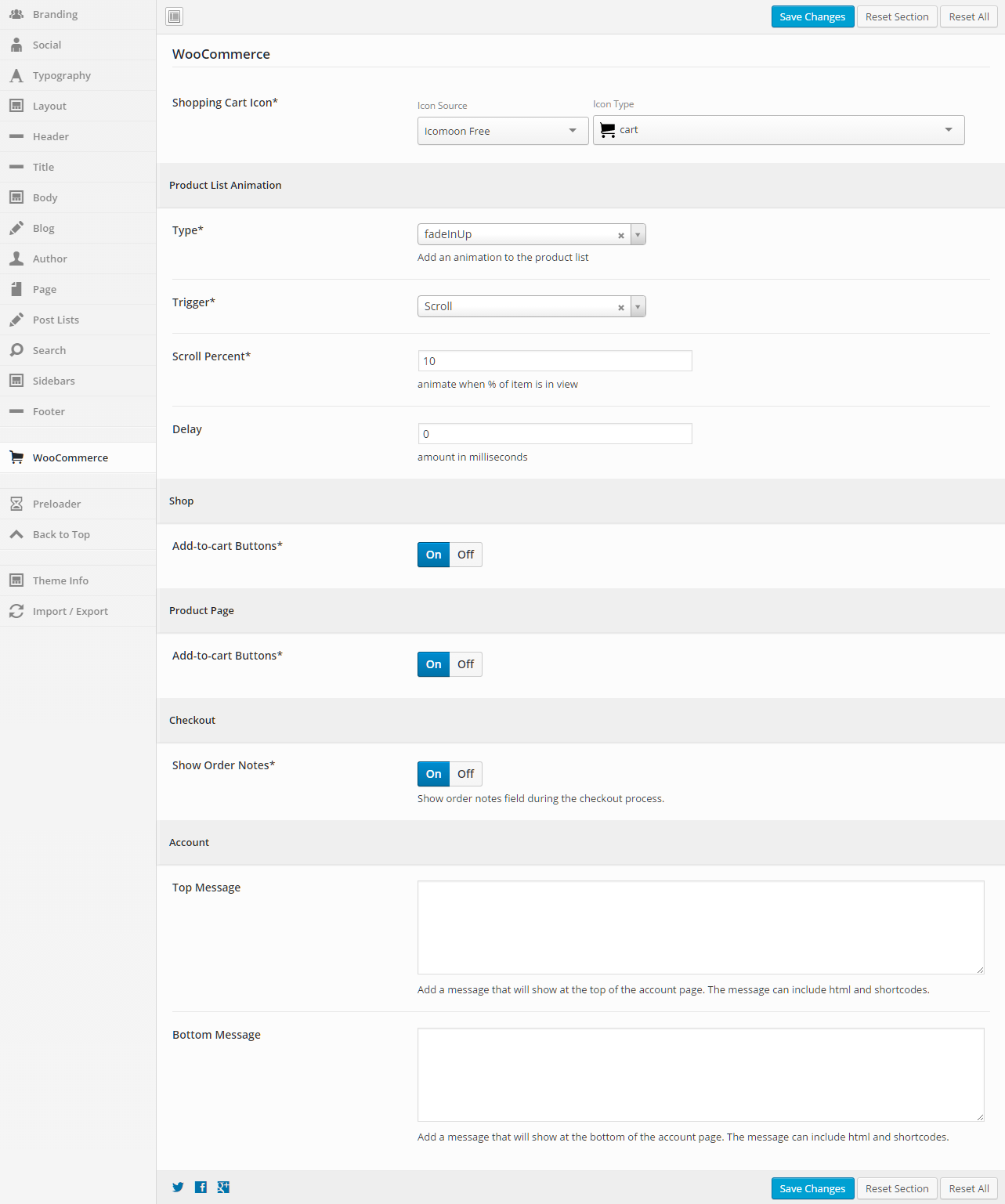
General
Product List Animation
Shop
Product Page
Checkout
Account
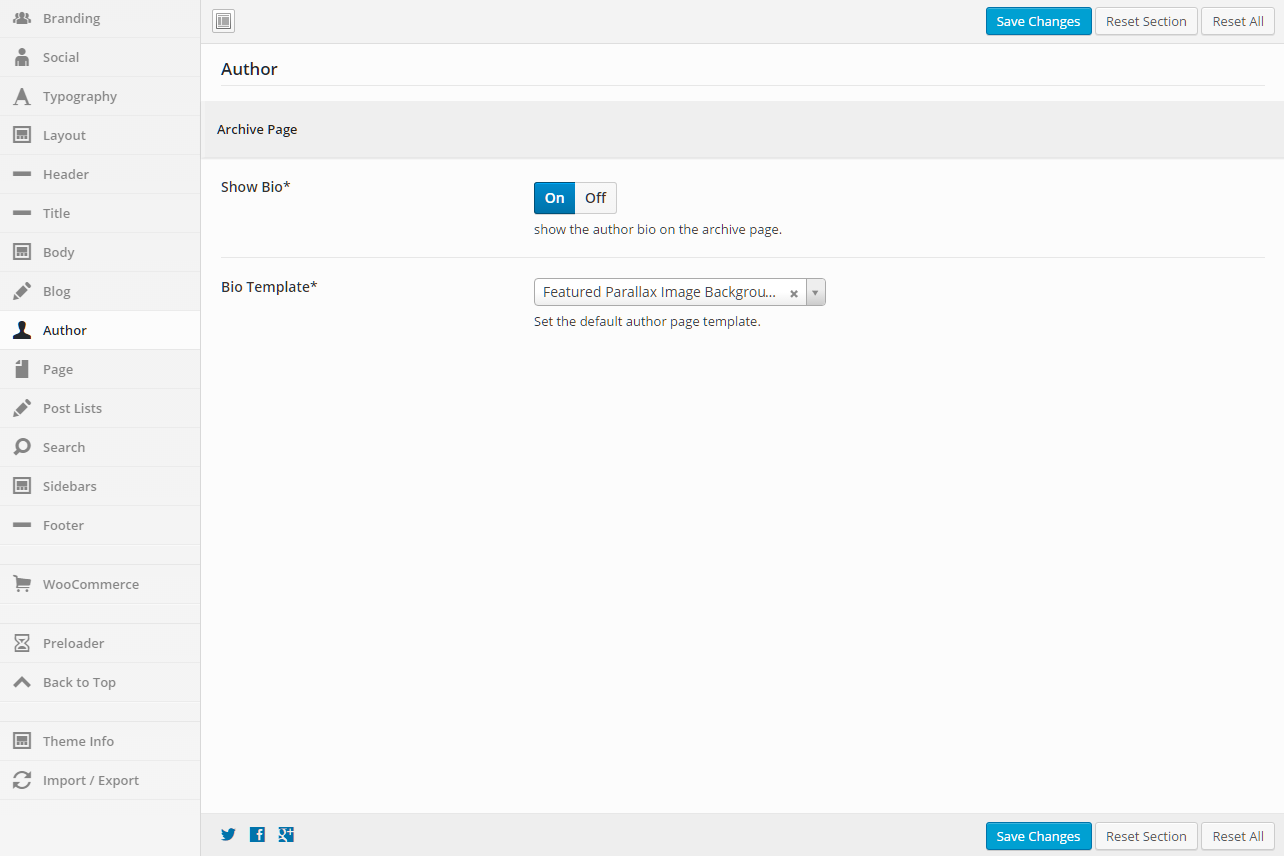
Archive Page
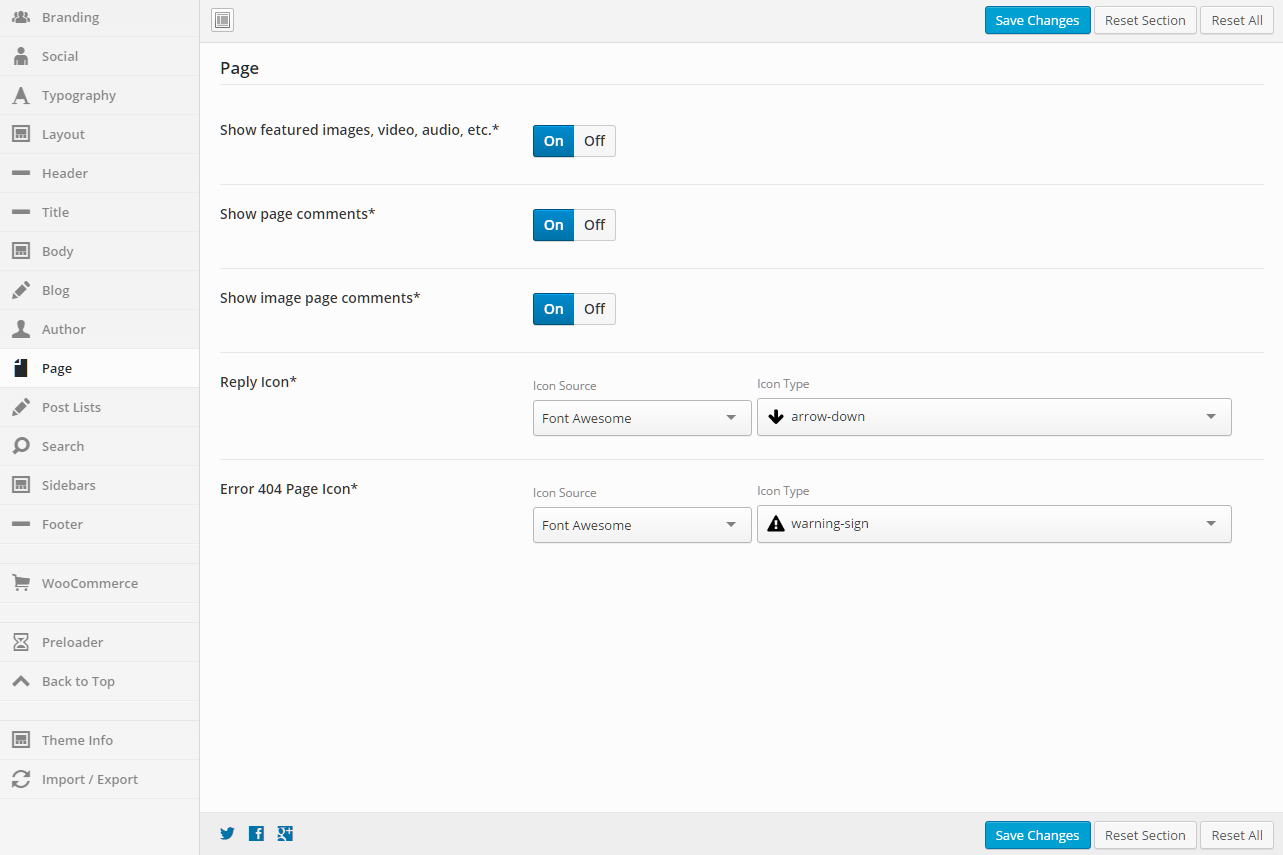
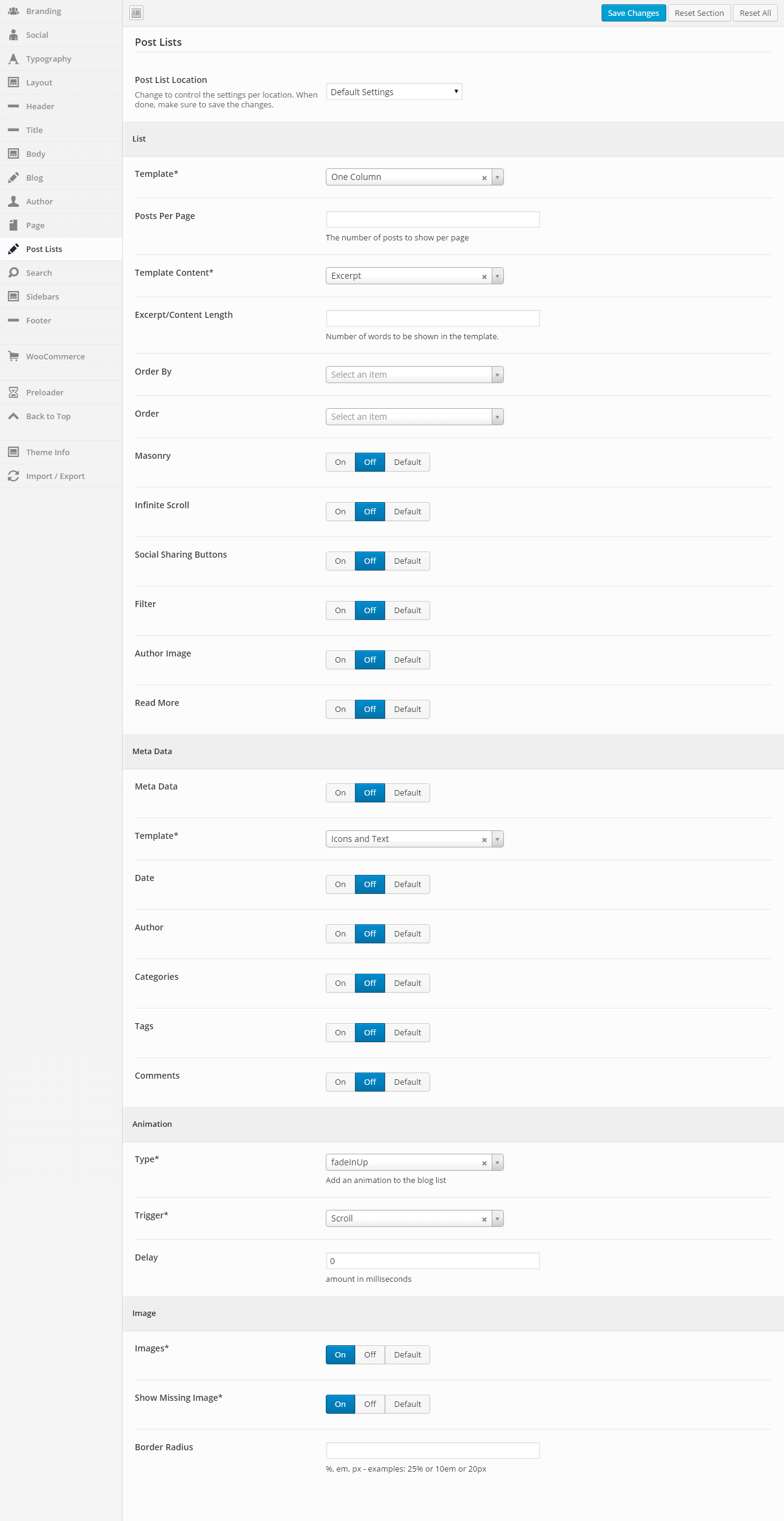
General
List
Meta Data
Animation
Image
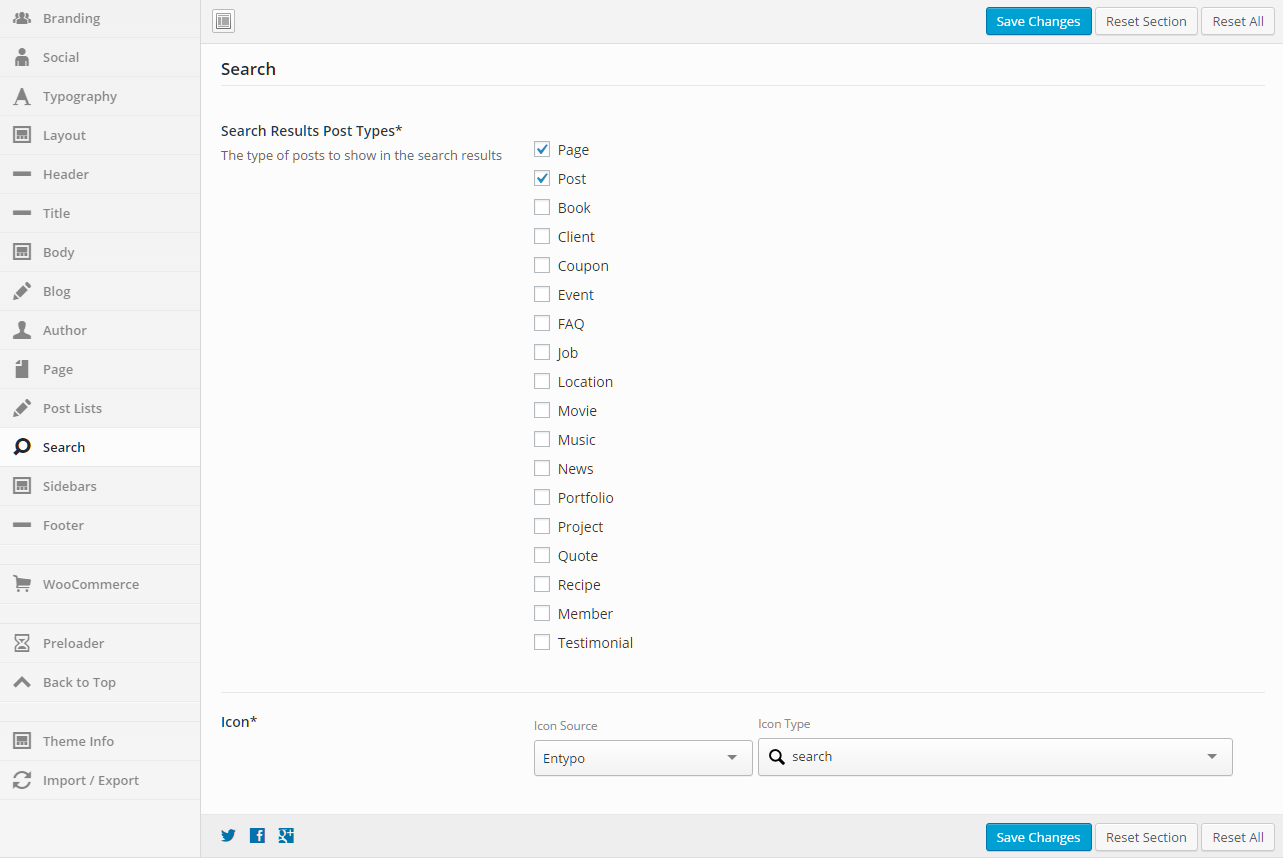
General
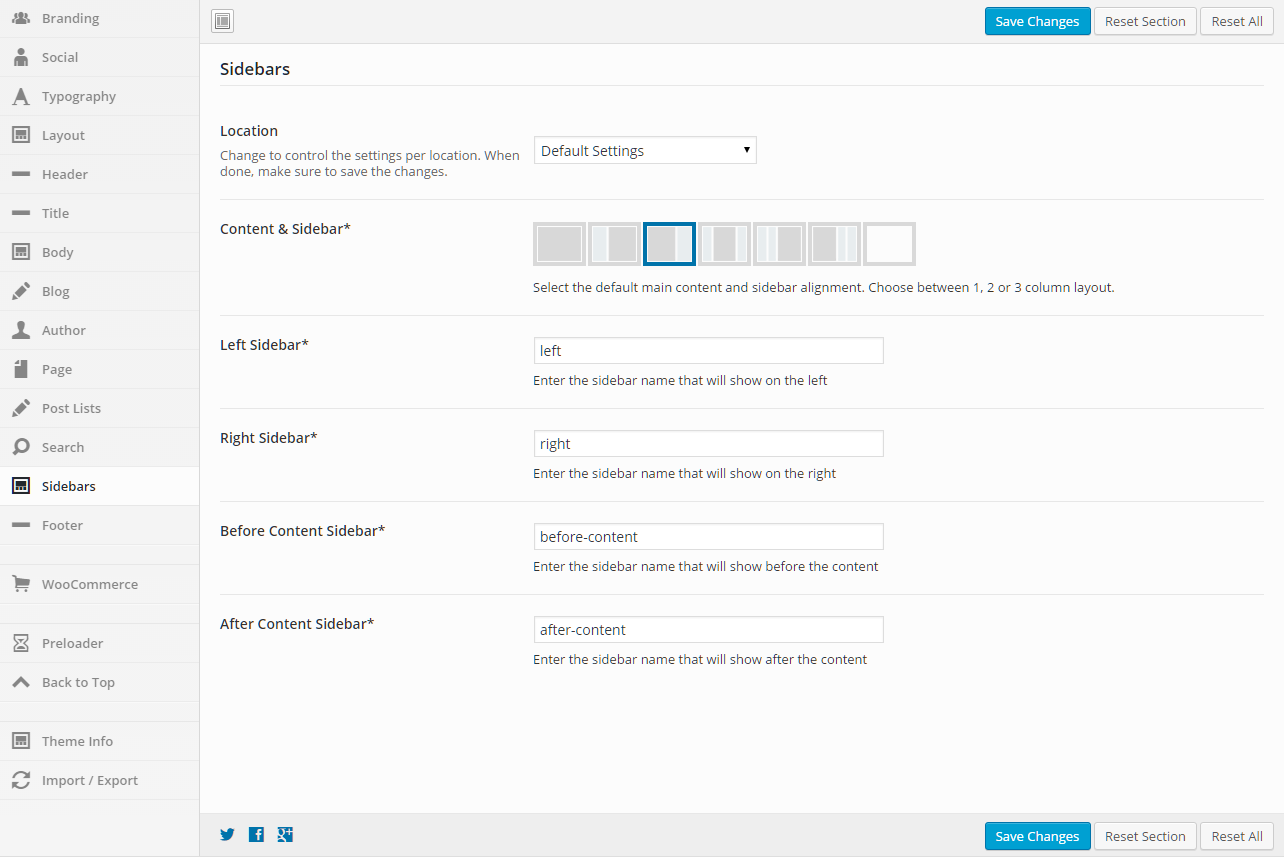
General
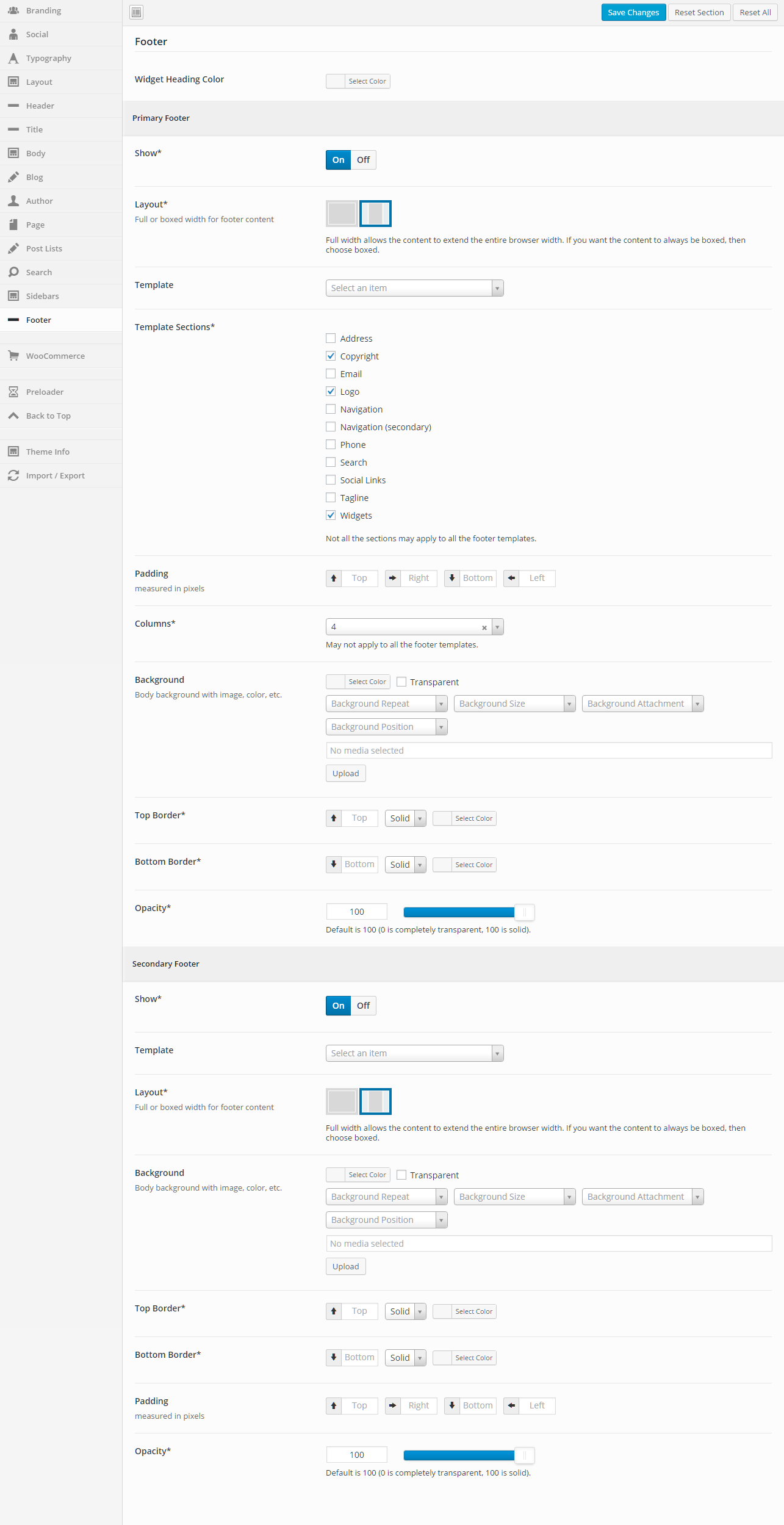
General
Primary Footer
Secondary Footer

Intensity requires a working version of WordPress – which can be installed in multiple ways. Check with your hosting provider to make sure you meet the minimum requirements. Often hosting providers will have tools that make installing WordPress a matter of just a few clicks. Check with your hosting company to see if this is an option available to you. If you are looking for hosting, check out our list of recommended hosting companies.
If you need help installing WordPress, there are step-by-step instructions found within the WordPress Codex.
The following video created by Woo Themes walks through the installation process.
The Intensity theme is made to work with WordPress 3.5 or newer, PHP 5.6 or newer, and MySQL 5 or newer. However, we recommend you follow the requirements listed for WordPress.
PHP Configuration
Many issues can be caused by PHP configuration settings that are too low. Issues such as: having problems uploading or installing files, experiencing a white screen when trying to access your site, mysteriously losing menu items when editing large menus, etc. can all be related to PHP configuration settings.
| Recommended Settings | |
|---|---|
| max_execution_time | 180 |
| memory_limit | 128M |
| post_max_size | 32M |
| upload_max_filesize | 32M |
If you are unsure how to change these settings yourself, your hosting company can help. You can see what your current settings are by using the following plugin: